Why Content Calendars Fail
Most content calendars die within two weeks. You spend a Sunday afternoon planning the month, feel great about it, then fall behind by Wednesday because life happens. The problem isn't discipline — it's that manual content planning is too rigid and too slow to adapt.
AI fixes both problems. An AI-powered content calendar is faster to create (30 minutes vs. 3 hours), easier to update (regenerate a week's content in seconds), and more strategic (built on data about what actually performs, not guesses about what might work).
Step 1: Define Your Content Pillars (5 Minutes)
Before you touch any AI tool, get clear on your 3-5 content pillars. These are the core topics your brand consistently talks about. For an AI marketing community like Marketer Tribe, the pillars might be: AI Tools & Reviews, Strategy & Frameworks, Quick Tips & Hacks, Community Wins & Stories, and Promotions & Offers.
Write these down. They become the guardrails that keep your AI-generated content on brand and on topic.
Step 2: Generate Topic Ideas (10 Minutes)
Now feed your content pillars into an AI writing tool and ask it to generate 20-30 topic ideas for the month. Be specific about your audience: "Generate 30 social media post topics for small business owners learning to use AI for marketing. Mix educational, promotional, and engagement-focused posts."
Review the list and cut anything that doesn't feel right. You'll typically keep 70-80% of what the AI suggests, which gives you plenty of content for a full month of posting. This is where your human judgment adds the most value — AI generates the options, you curate the winners.
Step 3: Assign to Platforms and Dates (10 Minutes)
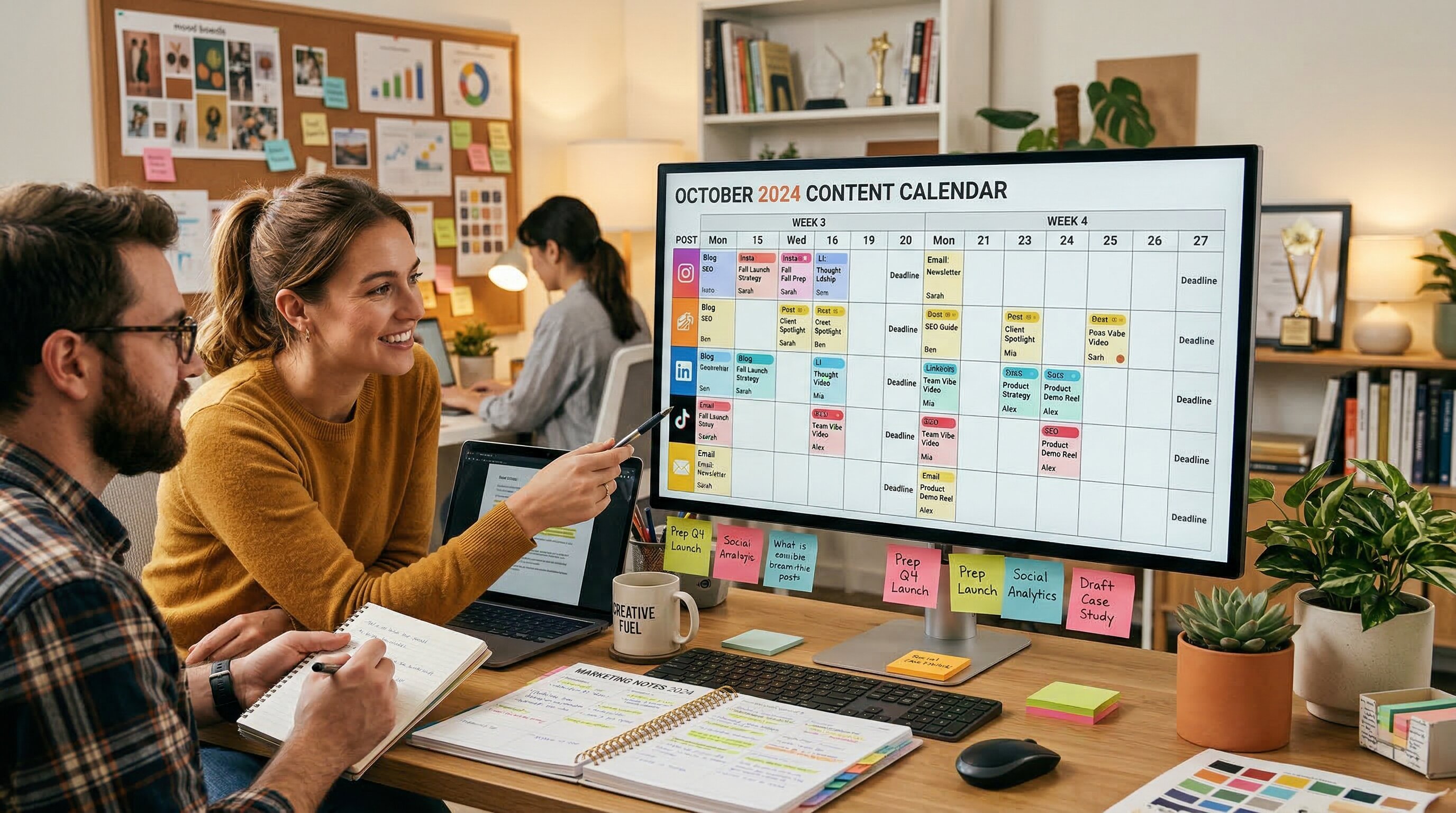
Map each topic to a platform (Twitter, LinkedIn, Facebook, Instagram) and a date. The AI can help here too — ask it to "arrange these 30 topics into a 4-week posting schedule, with 5 posts per week, distributed evenly across platforms and content pillars."
Pro tip: frontload your promotional content in the first and third weeks of the month, and put your most educational content in weeks two and four. This creates a natural rhythm that doesn't feel overly salesy.
Step 4: Generate the Actual Content (5 Minutes)
This is where it gets fast. For each topic on your calendar, ask the AI to generate the actual post copy. Batch this by platform — do all your Twitter posts at once, then LinkedIn, then Facebook. You'll find that batching by platform keeps the tone consistent and makes editing faster.
Save everything in a spreadsheet or content management tool. Each row should have: date, platform, topic, post copy, hashtags, and status (draft/approved/published). This becomes your single source of truth for the month.
Maintain and Iterate
The best content calendars are living documents. At the end of each week, review what performed well and what flopped. Feed those insights back into your AI tool: "These three posts got the most engagement this week. Generate 5 more posts in the same style and on similar topics."
Over time, your content calendar gets smarter because your AI gets better inputs. This compounding effect is why AI-powered content planning outperforms manual planning over the long term. For more structured planning, check out our AI Starter Kit — it includes a pre-built content calendar template.
Want a pre-built template? The AI Starter Kit includes a content calendar, prompt library, and workflow checklists.
Get the Starter Kit Free